A cancellation policy helps clients understand how much notice you need, what happens when they miss an appointment, and how rescheduling should work. For a service business, the goal is not to sound strict for its own sake. The goal is to protect real time on the calendar while giving clients a clear, fair way to change plans when life happens.
What a cancellation policy should do
A good cancellation policy answers the questions clients already have before they ask: How much notice is enough? Can the appointment be rescheduled? Is there a fee? What happens after a no-show? Who should the client contact if something changes?
The policy should be easy to understand before the client books and easy to enforce after the appointment is on the calendar. If it is hidden, vague, or different every time, clients will treat schedule changes like a negotiation instead of a normal business process.
Keep the policy simple enough to follow
The best cancellation policy is usually shorter than the owner expects. Clients do not need a contract-length explanation during booking. They need clear expectations in plain language.
Start with the smallest rule set that protects the business. You can always add more detail later if a pattern appears. For many appointment-based businesses, the first version only needs a notice window, a rescheduling rule, a no-show rule, and a payment or deposit expectation when relevant.
Notice window
How far ahead clients should cancel or request a change before the appointment starts.
Rescheduling path
Whether clients should reply to the confirmation, call, email, or submit a new request.
No-show rule
What happens when the client does not arrive, join, or contact you before the appointment.
Payment expectation
Whether deposits, prepaid appointments, or cancellation fees apply to selected services.
Choose a notice window that matches the service
The notice window should match how difficult it is to recover the appointment time. A short online call may be easy to refill or move. A photo session, cleaning visit, contractor estimate, long beauty appointment, or tutoring block may be harder to replace once the time is held.
Do not copy a policy just because another business uses it. Choose the window that gives you enough time to adjust your calendar, contact another client, change a route, release a room, or avoid wasted prep.
Separate cancellation from rescheduling
Cancellation and rescheduling are related, but they are not the same. A cancellation releases the appointment time. A reschedule keeps the client relationship moving, but still creates calendar work. Treating them separately helps clients understand what you want them to do.
If you would rather keep the appointment than lose it, say that clearly. A policy can encourage clients to reschedule before canceling completely. It can also explain whether last-minute rescheduling counts the same as a late cancellation.
- How much notice clients should give before moving an appointment.
- Whether deposits transfer to the new date.
- How many times a client can reschedule the same appointment.
- Whether repeat late reschedules require approval or payment first.
- Which contact method clients should use when they need a change.
Define no-shows before they happen
A no-show should not be decided in the moment. Define it ahead of time so clients know what counts. For example, a no-show may mean the client does not arrive within a grace period, does not join an online call, does not provide access for an on-site service, or does not contact the business before the appointment starts.
The policy should also explain what happens next. Some businesses charge a fee, keep a deposit, require payment before the next booking, or move the client to request-only scheduling. The right rule depends on how much missed appointments cost the business.
Use deposits when commitment matters
Deposits and prepaid appointments can help when a booking reserves valuable time. They are most useful for fixed-price services, long appointments, limited-capacity sessions, consultations, and work that requires preparation before the client arrives.
Be clear about what the payment means. Is it a deposit toward the service? Is the full appointment prepaid? Does it transfer when the client reschedules with enough notice? What happens after a late cancellation or no-show? If refund rules are sensitive for your service or location, get local professional advice before publishing the final language.
Use deposits for
Photo sessions, beauty appointments, assessments, private sessions, consultations, classes, and appointments with limited availability.
Use approval for
Custom work, estimates, mobile visits, first-time clients, and appointments where scope or travel needs review.
Use reminders for
Confirmed appointments where the main risk is forgetfulness, preparation, or simple calendar confusion.
Put the policy where clients will see it
A cancellation policy only works if clients see it before the problem. Do not save it for a frustrated follow-up message after a missed appointment. Put the expectation in the booking flow, confirmation, reminder, service description, or follow-up instructions.
The policy does not need to interrupt the whole booking experience. A short sentence near the service description can do a lot: "Please give at least 24 hours notice for cancellations or rescheduling." More detailed rules can live in a confirmation email, FAQ, intake form, or service notes.
- Service descriptions for appointments with special rules.
- Booking page notes or intake instructions.
- Confirmation emails after a client books.
- Reminder emails before the appointment.
- Payment or deposit language before checkout.
- Follow-up messages when a client requests a change.
Use reminders to prevent avoidable cancellations
Cancellation policies are easier to enforce when the business has already communicated well. Confirmation emails and appointment reminders reduce the chance that a client forgets, misses the location, misunderstands the time, or realizes too late that they need to reschedule.
Match reminder timing to the cancellation window. If you ask for 24 hours notice, a reminder one hour before the appointment is helpful but too late to support the policy. A 24-hour or 48-hour reminder gives the client time to act responsibly.
Adjust the policy by service type
One business can have different cancellation rules for different services. A 15-minute phone consultation, a two-hour color appointment, a tutoring session, and an on-site estimate do not carry the same cost when a client cancels late.
Start with a default policy, then add service-specific notes where needed. Keep the language visible and consistent so clients do not have to guess which rule applies.
Know what to do when a client cancels
The policy is only half the workflow. The business also needs a simple internal process after a client cancels or asks to reschedule. Otherwise, the slot may stay blocked, the client may not know what happens next, or the owner may forget to update the calendar.
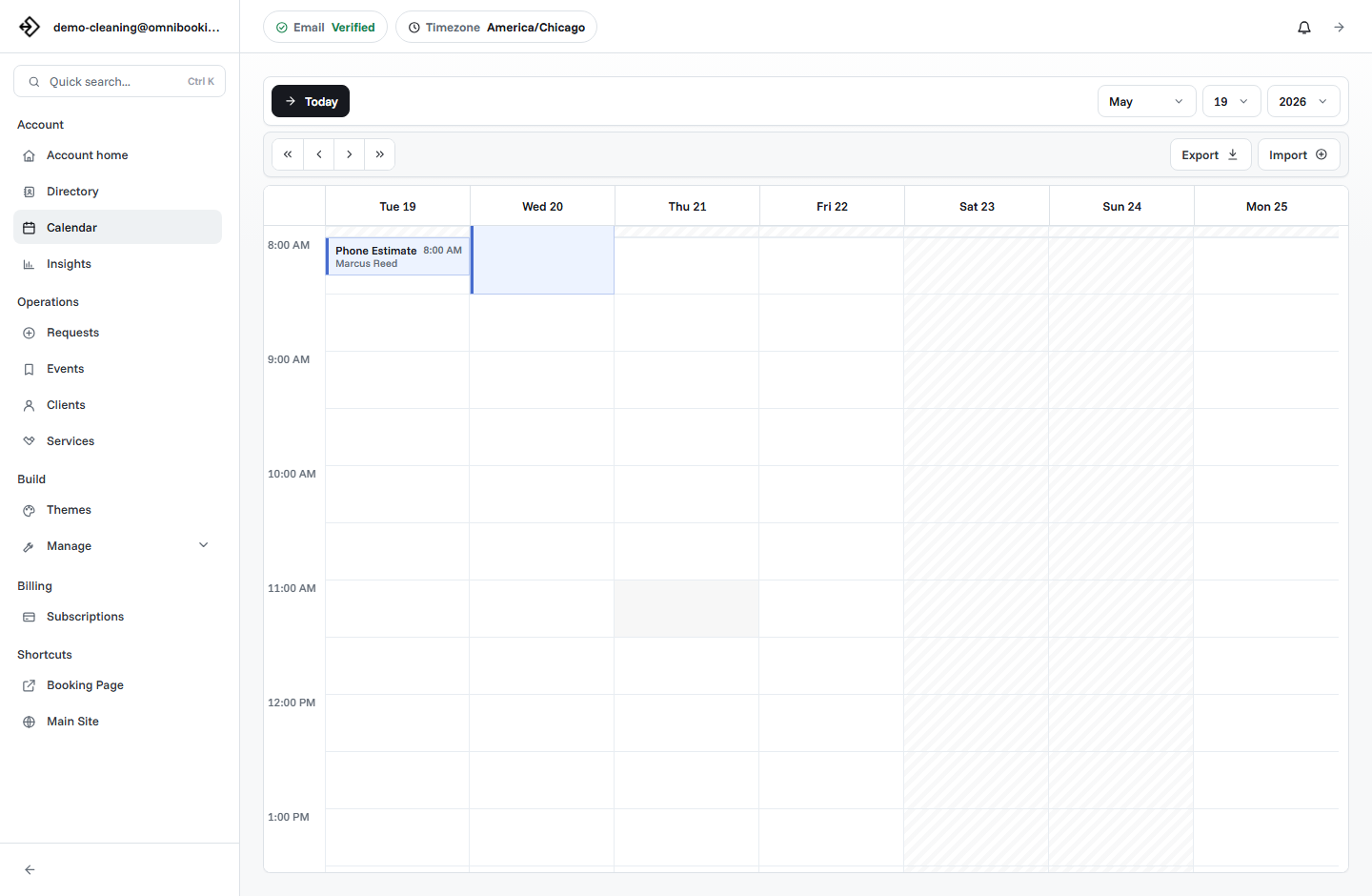
When a client cancels, update the calendar first. Then decide whether the appointment should be released, manually rebooked, marked as canceled, or followed up with a new booking link. If payment was involved, handle any refund or transfer decision according to the policy you already shared.
- Confirm the request. Reply with a clear note so the client knows you received the cancellation or reschedule request.
- Update the calendar. Release or change the appointment time before another schedule conflict is created.
- Apply the policy consistently. Use the same late-cancel, deposit, no-show, or reschedule rule you shared before booking.
- Offer the next step. Send a new booking link, suggest available windows, or move the client to approval if needed.
Example cancellation policy language
Use these examples as starting points, then adjust them for your services, payment setup, and local requirements. The best version should sound like your business, not like a copied template.
Simple appointment
Please give at least 24 hours notice if you need to cancel or reschedule. If you need to change your appointment, reply to your confirmation email as soon as possible.
Deposit-based service
A deposit is required to reserve this appointment. Deposits may be transferred when rescheduling with enough notice. Late cancellations or no-shows may forfeit the reserved time.
Mobile service
Please confirm access details before the appointment. Late cancellations, missing access, or incorrect addresses may require rescheduling and may affect future booking approval.
Request-based booking
Your request is not confirmed until it is accepted. If the requested time no longer works, contact us before approval so the slot can be released.
Cancellation policy checklist
Use this checklist before publishing a booking page or after a pattern of late cancellations.
- The notice window is clear and realistic for each service.
- Rescheduling rules are separate from cancellation rules.
- No-shows are defined in plain language.
- Any deposit, payment, or refund expectation is visible before booking.
- Clients know how to contact you if plans change.
- Confirmation and reminder messages reinforce the most important details.
- Same-day booking rules leave enough time for clients to act responsibly.
- High-risk appointments use payment, approval, or longer notice windows.
- The calendar is updated quickly when a booking is canceled or moved.
- The rule is simple enough that you can apply it consistently.
How Omnibooking supports cancellation workflows
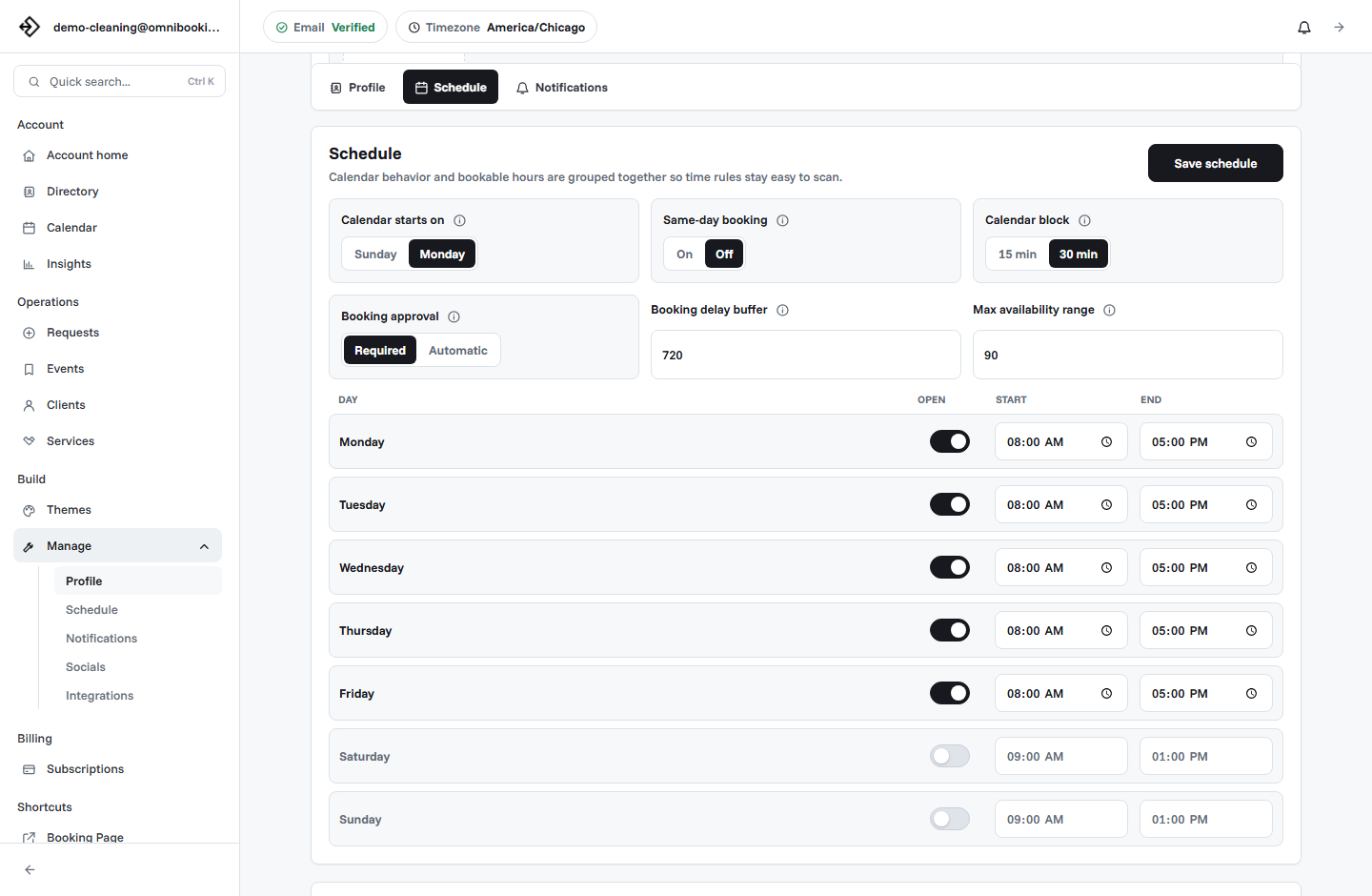
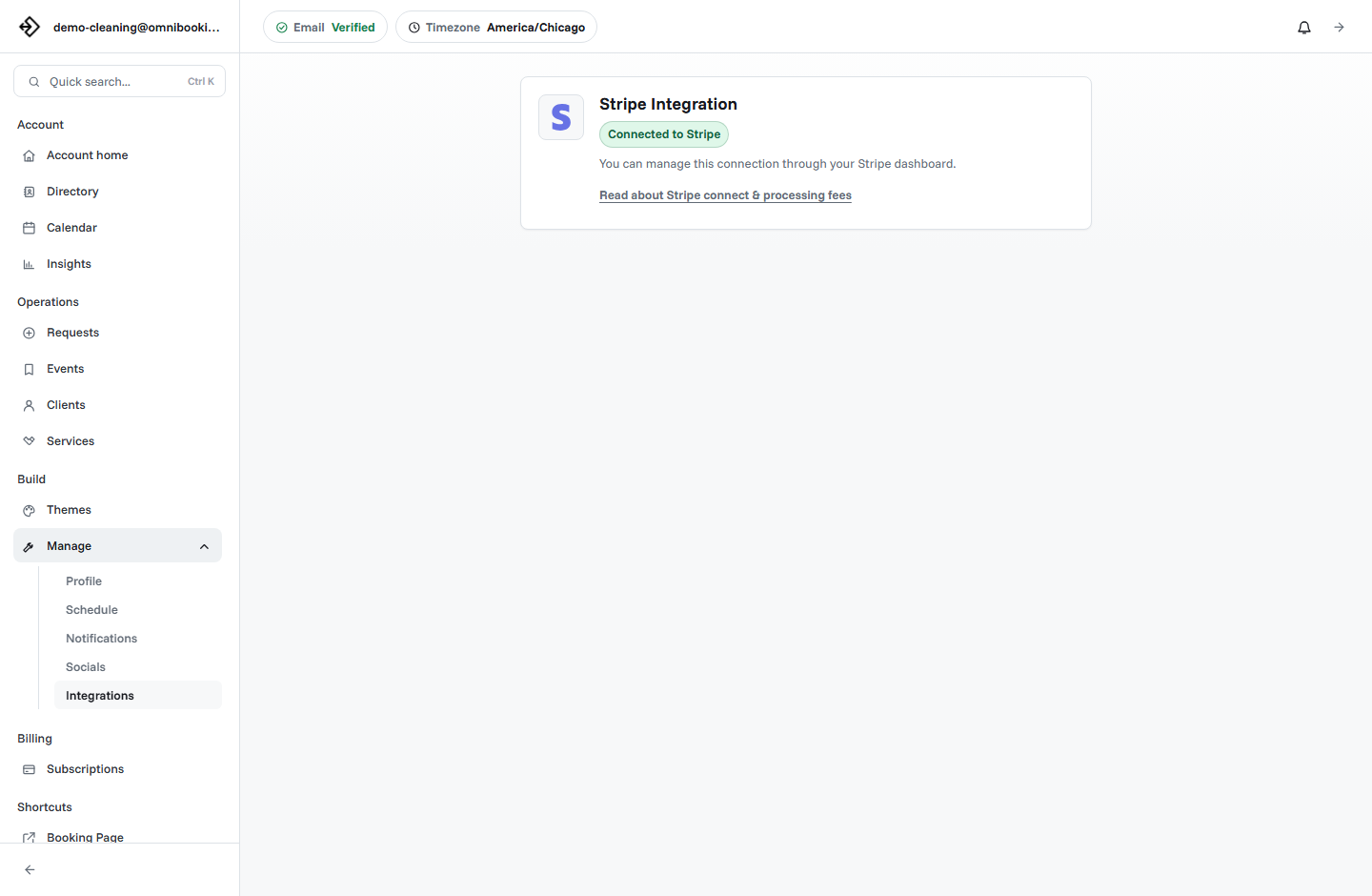
Omnibooking helps service businesses set clear expectations around cancellations with hosted booking pages, service descriptions, confirmation emails, appointment reminders, booking delays, booking approval, request review, calendar files, dashboard event management, and paid booking through Stripe Connect for fixed-price services.
When the business needs to cancel an appointment from the dashboard, Omnibooking can send the client a cancellation email with the original appointment details. For rescheduling, the owner can keep the calendar organized from the dashboard and direct the client to book a new time or contact the business using the details included in the booking flow.
If missed appointments are the main issue, read how to reduce no-shows with appointment reminders. If late booking is making cancellations harder to manage, review same-day booking rules. If payment is part of your policy, see Stripe Connect setup and fees.
Related resources
Reduce No-Shows With Reminders
Use confirmations and reminder timing before missed appointments become a pattern.
Same-Day Booking Rules
Decide how much notice clients need before they can claim a time.
Stripe Connect Setup and Fees
Use paid booking when deposits or upfront payment should protect appointment time.
Prevent Double Booking
Keep canceled, pending, confirmed, and manually changed appointments from colliding.
FAQs
What should a service business cancellation policy include?
It should include the notice window, rescheduling rules, no-show definition, contact method, and any deposit, payment, cancellation fee, or refund expectations that apply before the appointment is booked.
How much notice should I require for cancellations?
Many service businesses use 24 hours as a starting point, but the right notice window depends on the service. Use more notice for travel, preparation, deposits, long appointments, limited capacity, or hard-to-refill calendar time.
Should rescheduling have the same rule as cancellation?
Not always. Rescheduling keeps the client relationship active, but it still affects the calendar. Decide whether deposits transfer, how much notice is required, and how many times the same appointment can be moved.
Do deposits help reduce late cancellations?
Deposits can help when missed appointments create real revenue loss or reserve high-value time. They work best when payment expectations are clear before the client books.
Where should I show my cancellation policy?
Show the policy before and after booking: in service descriptions, booking notes, confirmation emails, reminders, payment language, and follow-up messages when a client asks to change an appointment.