The best online booking system for a small service business is one that lets clients book without back-and-forth, while giving the business owner control over services, availability, payments, reminders, and client details. For most independent providers and small teams, the right choice is not the most complicated platform. It is the system that makes the booking path clear, keeps the calendar realistic, and helps turn client interest into confirmed appointments.
What "best" means for a service business
Small service businesses do not choose booking software for the same reasons a large clinic, enterprise sales team, or event venue would. A photographer, cleaner, tutor, stylist, trainer, consultant, contractor, or repair provider needs a booking system that works in everyday client conversations.
The best online booking system should answer five practical questions:
- What services can a client book?
- When is the business actually available?
- What information does the client need to provide?
- Will the client receive confirmation or reminders?
- Does payment, deposit, or approval happen before the appointment?
If a system answers those questions clearly, it can reduce missed messages, scheduling confusion, and manual follow-up. If it hides those answers behind too much setup, the software may look powerful but still fail the day-to-day job.
Core features to compare
Before comparing brands or prices, compare the workflow. A booking tool should support the full path from client intent to a scheduled appointment.
Booking page
A hosted booking page gives clients a direct link to choose services and times. It should be easy to share from a website, social profile, QR code, email signature, or text message.
Service setup
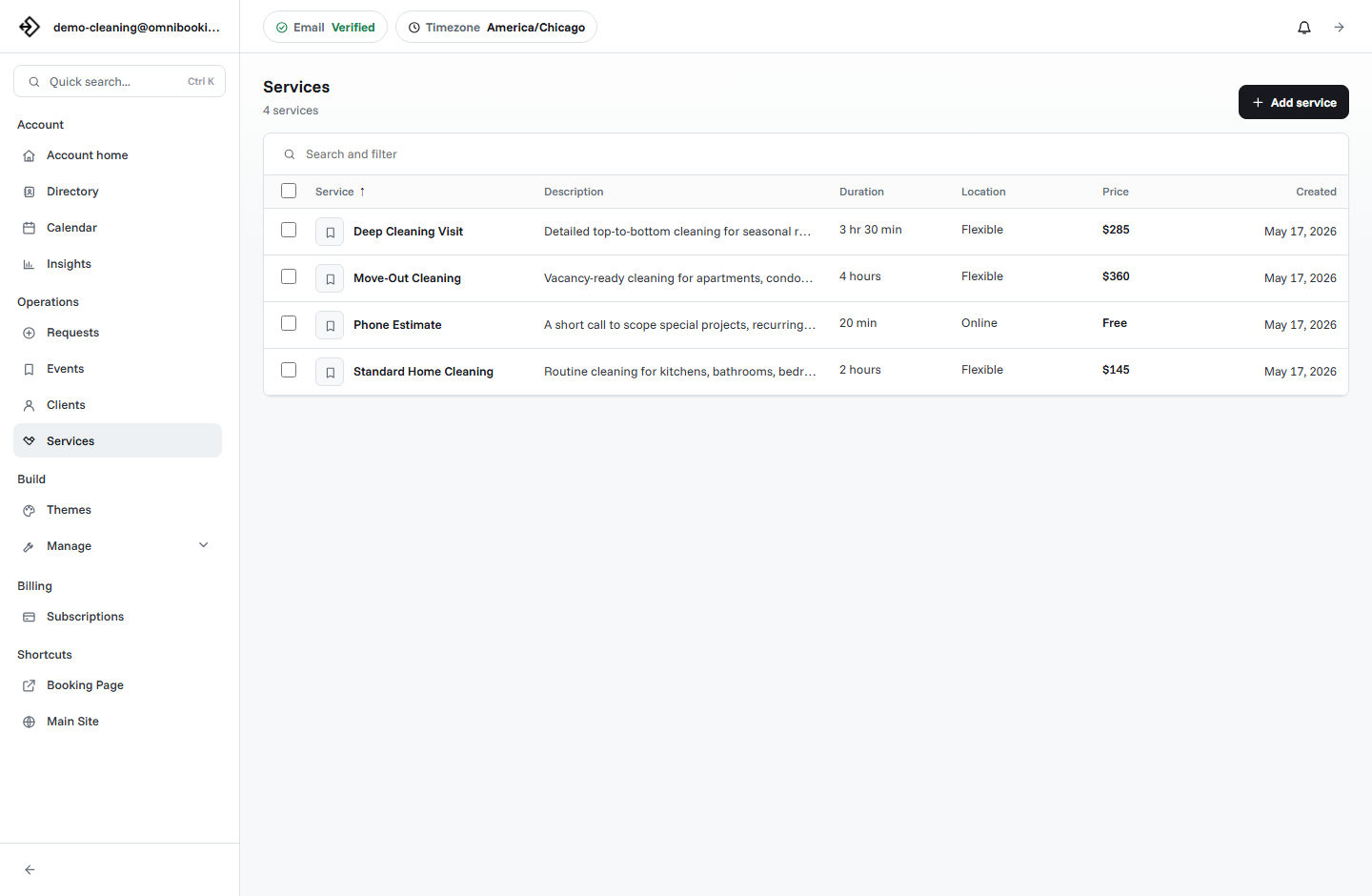
Each service should have a clear name, description, duration, price, and booking rules. This helps clients choose correctly without asking extra questions.
Availability controls
Working hours, breaks, blocked time, booking delays, and calendar views keep the booking page aligned with real capacity.
Client communication
Confirmation emails and reminders reduce uncertainty after a client books. They also reduce the number of manual "just confirming" messages.
Payments
Some businesses need deposits or full payment before booking. Others collect payment later. The best system supports both simple and paid workflows.
Dashboard
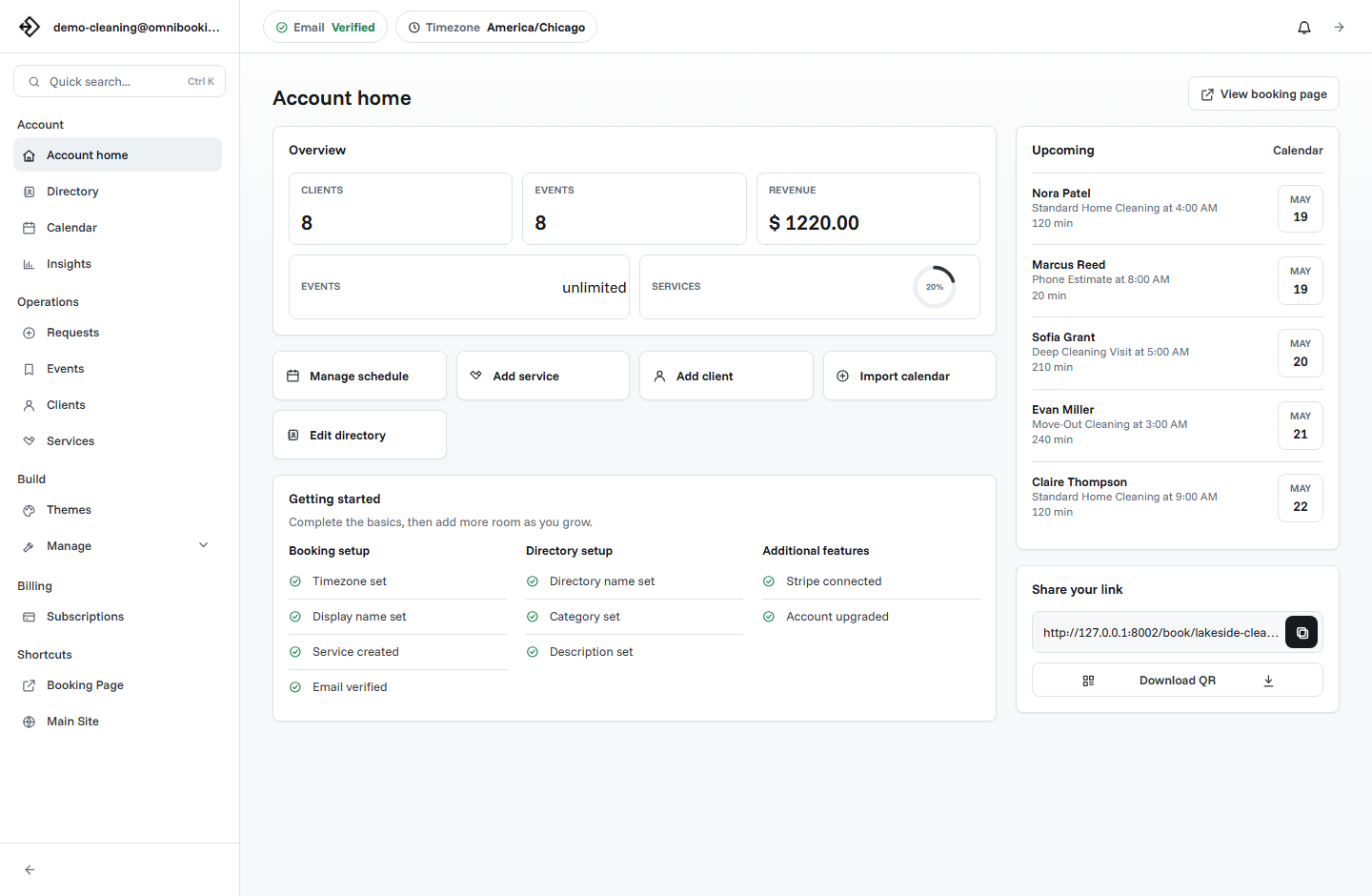
The owner needs a place to manage events, clients, requests, services, and schedule settings without digging through messages.
Feature comparison table
When a simple booking system is better than a complex one
A small business often wins by making booking easier, not by adding every possible workflow. Too many settings can slow down setup and make the owner avoid publishing the page. A practical system should let you launch quickly, then add more detail later.
For example, a personal trainer may only need three services at first: consultation, private session, and program review. A cleaning business may need standard cleaning, deep cleaning, and move-out cleaning. A photographer may need portrait session, family session, and brand shoot. In each case, the first goal is to get the booking page live with realistic availability.
Once the page works, the business can add reminders, payments, themes, booking approval, or more detailed service options.
Free vs paid booking software
Free booking software is useful when you are validating the booking flow, taking a small number of appointments, or replacing manual scheduling for the first time. It is usually enough if you only need a public link, a few services, and basic schedule control.
Paid booking software becomes more useful when the booking system is part of how the business earns money. Upgrade when you need more events, more services, appointment reminders, custom page design, Stripe payment features, or other controls that protect time and revenue.
How Omnibooking fits this use case
Omnibooking is designed for service businesses that need a straightforward booking page and a dashboard for day-to-day operations. You can create services, set availability, share your booking link, manage clients and events, and connect Stripe when a service should require payment before booking.
If you are just starting, the Getting Started with Omnibooking guide walks through the basic setup. If payments are part of your booking flow, the Stripe Connect setup guide explains how paid bookings work. You can also review plan differences on the pricing page.
Choosing the best system: a practical checklist
- Can you publish a booking page without building a full website?
- Can clients understand each service without messaging you first?
- Can you control availability by day and time?
- Can you prevent last-minute or unrealistic bookings?
- Can clients receive confirmation and reminder emails?
- Can you collect payments or deposits when needed?
- Can you manage clients and events from one dashboard?
- Does the pricing match the size of your business today?
Related resources
What Is Online Booking Software?
Start with the basics before comparing specific tools and features.
How Much Should Booking Software Cost?
Compare the pricing side of free plans, paid plans, limits, and payment fees.
Booking Page Examples
See how different service businesses can structure services, availability, and trust signals.
Reduce No-Shows With Reminders
Check the reminder, deposit, and confirmation features that protect booked time.
FAQs
What is the best online booking system for a small service business?
The best online booking system is one that gives you a shareable booking page, service setup, availability control, client details, confirmations, reminders, and optional payments without making setup overly complicated.
Should small businesses use free booking software?
Free booking software is a good starting point if you need a simple booking link and basic scheduling. Paid plans make more sense when you need higher limits, reminders, custom branding, payments, or stronger operations tools.
Do I need online payments on my booking page?
You need online payments if deposits, paid consultations, fixed-price services, or no-show reduction are important to your business. If you invoice later or collect payment in person, you can start without payments.
Can I use a booking page without a website?
Yes. A hosted booking page can be shared directly in messages, social profiles, QR codes, email signatures, and directories. A website can help later, but it is not required to start accepting bookings.
What should I set up first?
Start with your business name, a clear booking URL, your main services, realistic availability, and a test booking. Add reminders, payments, and design details after the basic client flow works.