Booking software should cost less than the time, missed bookings, and scheduling mistakes it saves. For a small service business, a free plan is often enough to launch a booking page and test demand. A paid plan usually makes sense when you need higher booking limits, automated reminders, stronger customization, payments, or enough monthly appointments that manual scheduling is costing more than the software.
The short answer
A solo provider or new service business should usually start with the lowest plan that can handle its real booking volume. If you only need a booking link, a few services, and basic schedule control, free booking software can be a practical first step. If you depend on booked appointments for revenue, paid software can be worth it as soon as it saves even one or two hours of admin work per month or helps prevent one missed appointment.
Price matters, but it should not be the first filter. A cheap tool that still leaves you manually confirming every appointment, chasing client details, and sending reminders by hand may not actually be cheap. A more useful comparison is cost versus the operational work it removes.
What affects booking software pricing?
Most booking tools price around capacity, automation, customization, payment features, and team complexity. A simple appointment link is usually cheaper than a system that manages high booking volume, multiple staff calendars, client records, reminders, payments, reporting, and branded booking pages.
Booking volume
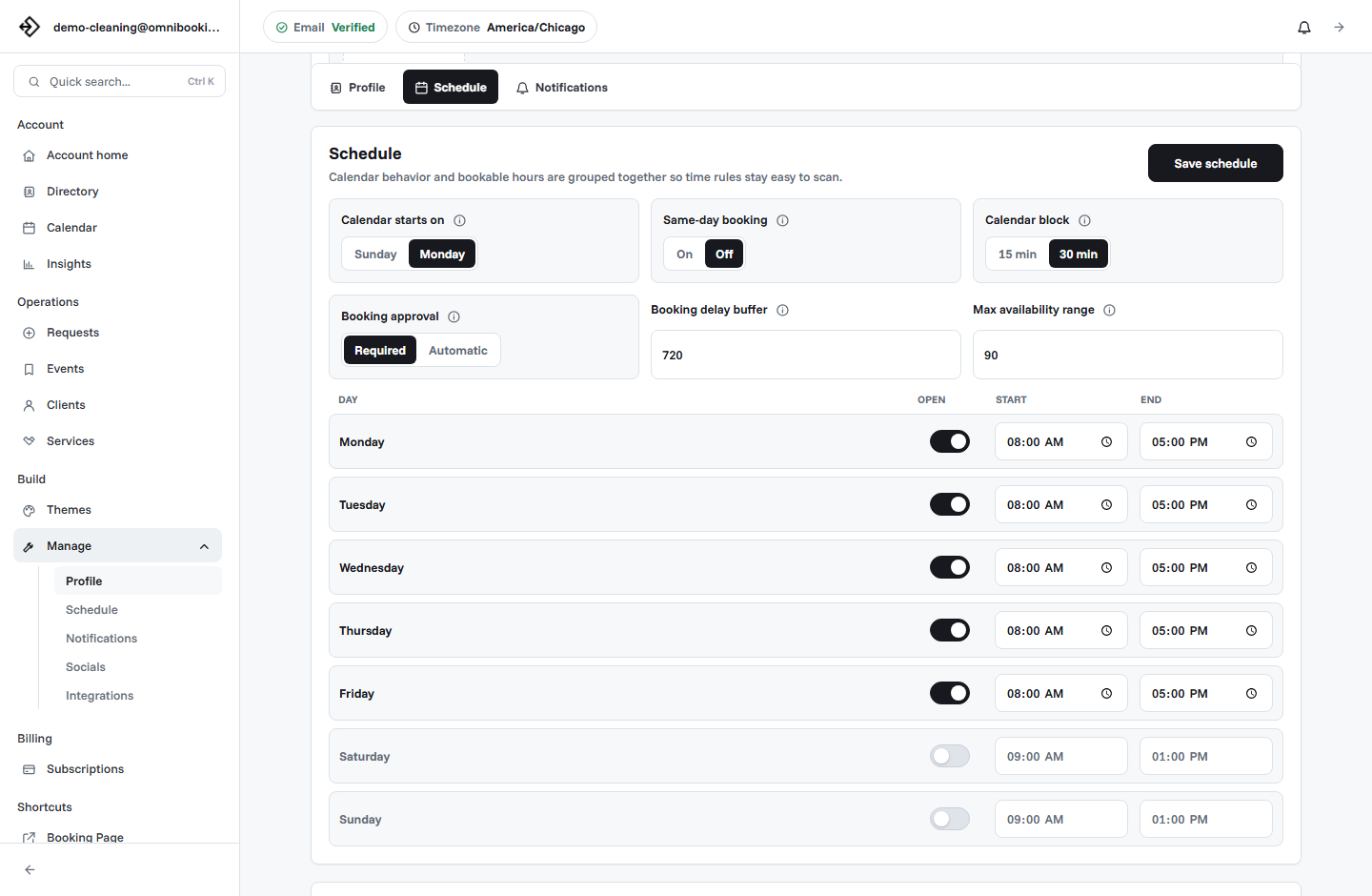
Some plans limit the number of monthly appointments, events, clients, services, or calendars you can manage.
Automation
Automated reminders, confirmations, payment prompts, and approval workflows often appear on paid plans.
Customization
Branding, themes, custom URLs, and removing platform branding can raise the price because the booking page becomes more business-specific.
Payments
Payment-ready booking may include subscriptions, payment processor fees, application fees, or plan requirements depending on the platform.
Team features
Multi-staff calendars, permissions, routing, and resource management usually cost more than a solo provider setup.
Support and reliability
More mature tools may include better support, uptime expectations, data controls, and operational polish.
Free vs paid booking software
Free booking software is best when you are learning your booking flow. It lets you publish a page, share a link, test your services, and find out whether clients will actually use self-serve scheduling.
Paid booking software is best when the booking page becomes part of how the business runs. At that point, limits and missing features can create hidden costs: manual follow-up, awkward client messages, missed reminders, generic branding, or extra admin work after every appointment.
How to estimate your real monthly cost
A subscription price is only one piece of the decision. For paid bookings, you also need to account for payment processing and any platform fees. For manual scheduling, you need to account for the time you spend replying, confirming, rescheduling, and reminding clients.
- Estimate monthly bookings. Count how many appointments, consultations, estimates, classes, sessions, or jobs you expect each month.
- Estimate admin time per booking. Add the minutes spent answering availability questions, collecting details, confirming, and reminding.
- Assign a value to your time. Use your hourly rate, target hourly earnings, or the value of time you could spend serving clients.
- Add payment-related costs. If you take deposits or full payment online, include payment processor fees and platform fees where applicable.
- Compare against the plan. The right plan should fit your volume and remove enough admin work to justify the monthly price.
A simple pricing calculator
You can make a quick estimate without a spreadsheet. Use this framework before upgrading or switching tools.
- Bookings per month: 40
- Manual scheduling time per booking: 5 minutes
- Total scheduling time: 200 minutes, or about 3.3 hours
- Value of your time: $40 per hour
- Estimated admin cost: about $132 per month
In that example, a modest paid booking plan can make financial sense if it reduces even part of the manual work. The same math changes for every business. A photographer with fewer but higher-value sessions may care more about deposits and polished presentation. A cleaner with many repeat appointments may care more about volume, reminders, and schedule control.
What features are worth paying for?
The best paid feature is the one that solves a problem you already feel. Do not upgrade just because a plan has a long feature list. Upgrade when a specific limit or missing workflow is costing time, bookings, or trust.
Booking software cost by business stage
The right price depends on the stage of the business. A brand-new solo provider should not buy a complex operations platform before proving the booking flow. A busy provider should not stay on a limited setup if it forces them back into manual scheduling.
Just starting
Use a free or low-cost plan. Focus on publishing a clear booking page, adding your core services, setting realistic availability, and testing the client flow.
Booking consistently
Move to a paid plan when monthly limits, service limits, or manual reminders start to interrupt normal operations.
Protecting revenue
Prioritize payments, deposits, reminders, approval rules, and a polished booking page when missed appointments or trust gaps affect income.
Common pricing mistakes
The most common mistake is comparing booking software only by the monthly subscription. That can make a tool look expensive even when it saves time, or cheap even when it leaves important work untouched.
- Choosing a tool because it is free, then spending hours every month on manual follow-up.
- Paying for advanced team features when you only need a solo booking page.
- Ignoring payment fees when paid appointments are central to the workflow.
- Comparing monthly cost without checking event, service, or reminder limits.
- Upgrading for design features before the basic booking flow is clear.
- Waiting too long to upgrade after booking volume has outgrown the free plan.
How Omnibooking pricing works
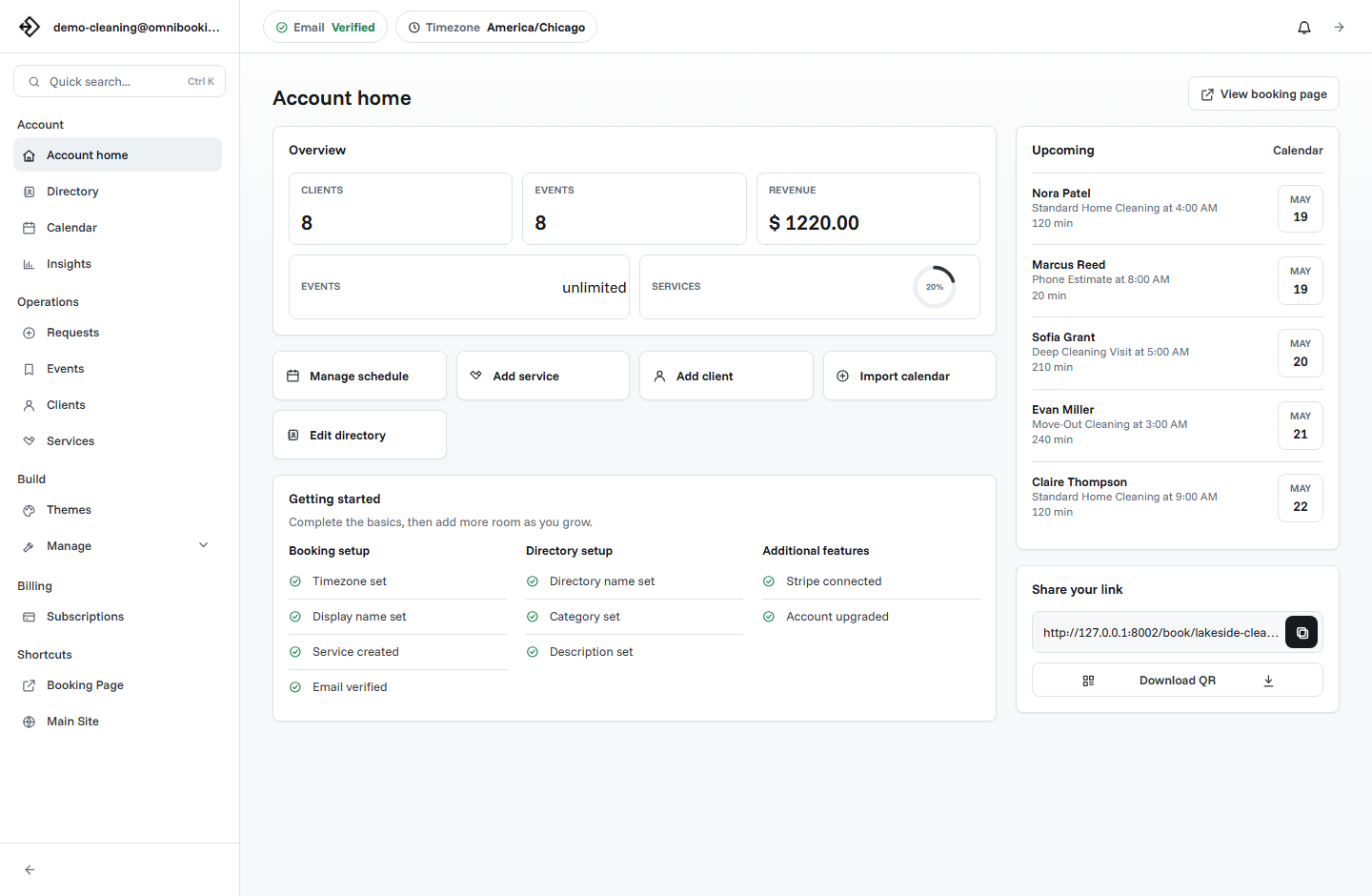
Omnibooking is designed so small service businesses can start simply and upgrade when the booking page becomes more important to daily operations. The Free plan supports a hosted booking page, dashboard access, custom availability, manual reminders, Stripe Connect, calendar imports and exports, up to 30 monthly events, and up to 5 custom services.
Standard adds more room with 150 monthly events, up to 10 custom services, automated reminders, premium themes, advanced booking page customization, a custom URL, and the option to remove Omnibooking branding. Pro is built for higher volume with unlimited monthly events, up to 20 custom services, and early access to future features.
For the latest plan details, review the Omnibooking pricing page. If you are still setting up your first booking flow, start with Getting Started with Omnibooking or use the online booking checklist before choosing a paid plan.
When should you upgrade?
Upgrade when the free plan is no longer the simplest way to run your booking workflow. The signal is usually not a single feature. It is a pattern: you are hitting limits, sending more manual reminders, adding more services, wanting a more polished booking page, or losing time to work the software could handle.
Related resources
Best Online Booking System
Compare cost against the features small service businesses actually need.
Stripe Connect Setup and Fees
Understand paid booking fees when payments are part of the workflow.
Reduce No-Shows With Reminders
Weigh reminder and deposit features against the cost of missed appointments.
Online Booking Checklist
Confirm the basics before upgrading for limits, payments, or reminders.
FAQs
How much should a small business pay for booking software?
A small business should pay for the plan that matches its booking volume and workflow needs. Start free if you only need a basic booking page. Consider a paid plan when limits, reminders, customization, payments, or manual admin time start affecting operations.
Is free booking software enough?
Free booking software can be enough for a new or low-volume business. It is usually not enough forever if you need more appointments, more services, automated reminders, a more branded booking page, or less manual follow-up.
What hidden costs should I watch for?
Watch for payment processing fees, platform fees, event limits, service limits, reminder limits, branding restrictions, cancellation policies, and the time you still spend managing appointments manually.
When does paid booking software become worth it?
Paid booking software becomes worth it when it saves more time or protects more revenue than it costs. For many service businesses, that happens when the booking page handles steady monthly appointments or when reminders and payments reduce missed bookings.
Should I choose the cheapest booking tool?
Not always. Choose the least expensive tool that can reliably support your real workflow. The cheapest option can become expensive if it creates extra admin work, confuses clients, or cannot handle your booking volume.