Booking software for contractors should make it easy for clients to request estimates and service calls without turning every request into a confirmed job. A strong contractor booking page collects job details, address and access notes, protects travel time, separates estimates from work appointments, sends reminders, and uses approval when scope or pricing needs review.
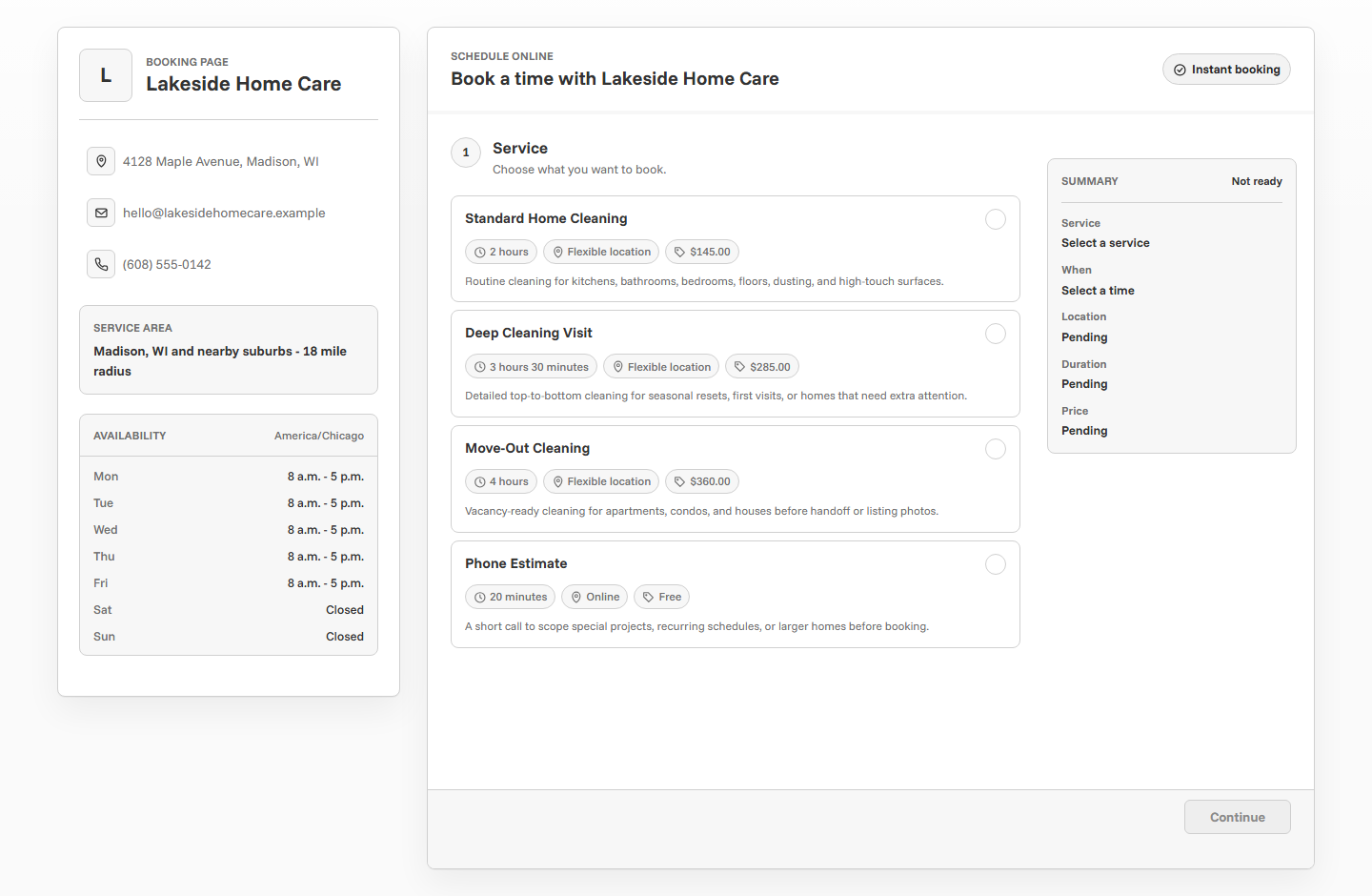
Why contractor booking is different
Contractors rarely sell identical appointment slots. A repair estimate, install consultation, follow-up visit, emergency service call, and project walkthrough can all require different timing, travel, equipment, and review. The client may want to book a job, but the contractor may first need to inspect the issue or confirm the service area.
The right booking flow gives clients a clear next step while keeping the contractor in control. For many contractors, the booking page should focus on requests, estimates, and consultations instead of promising a full project date before the details are known.
Separate estimates from jobs
The most important contractor scheduling decision is whether the client is booking an estimate, a consultation, a service call, or actual job time. Those should not all be one generic appointment. Clear service types help clients choose correctly and help the contractor plan the day.
Collect job details before confirming
A contractor booking form should collect enough detail to decide whether the request is a fit. It should not require the client to write a perfect project brief, but it should capture the basics that affect timing, tools, travel, and scope.
- What type of work do you need?
- What is the service address?
- Is this an estimate, repair, installation, follow-up, or urgent issue?
- What problem are you trying to solve?
- Are there access, parking, gate, or building instructions?
- Do you have a deadline or preferred date range?
- Is there anything the contractor should know before arriving?
Use approval for uncertain scope
Instant booking works best when the appointment type is predictable. Many contractor requests are not predictable. If the job depends on scope, materials, location, urgency, or project fit, use booking approval so the client can request a time without automatically locking the schedule.
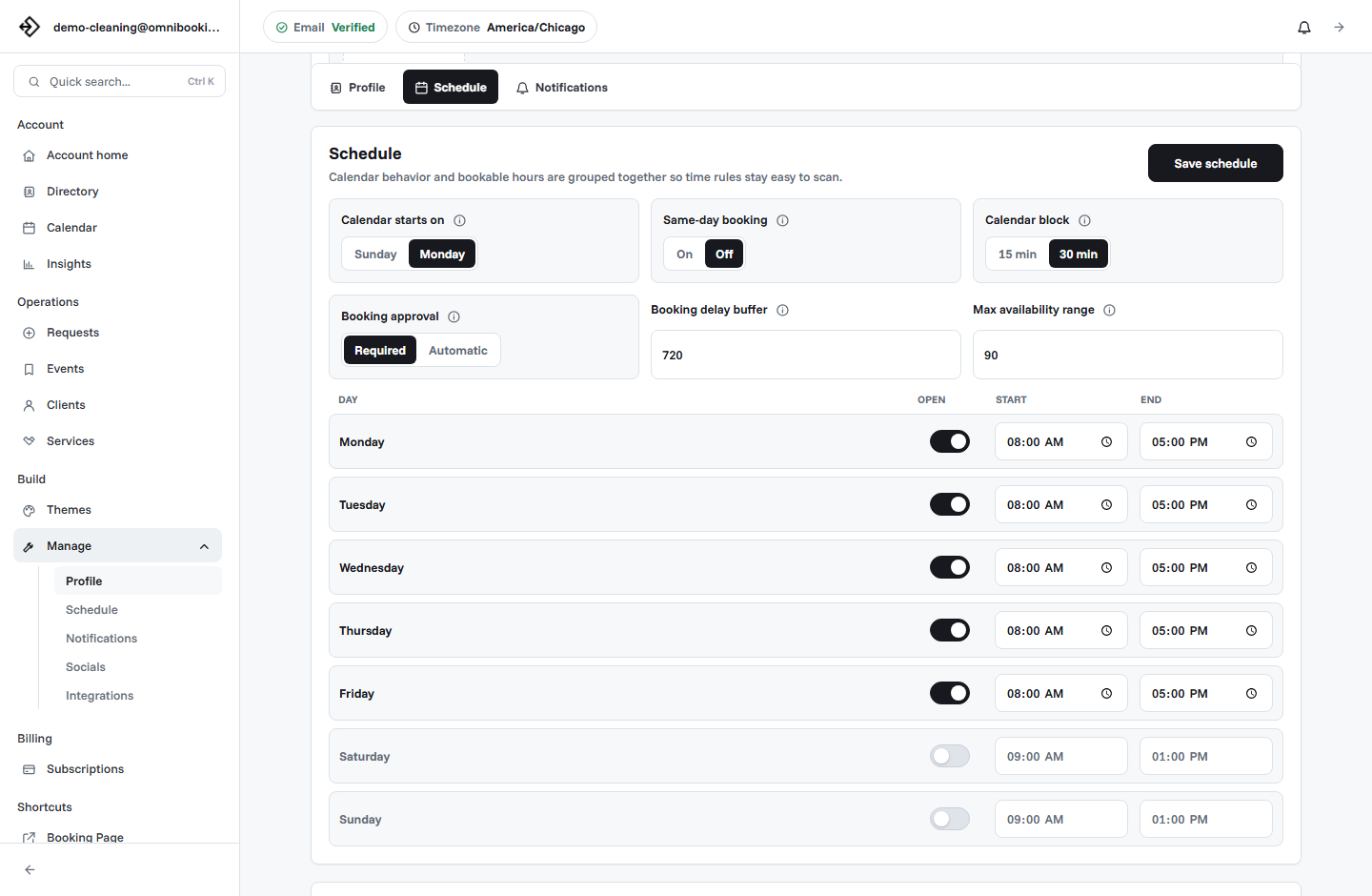
Instant booking
Best for repeat clients, fixed service calls, and follow-up visits with known scope.
Booking request
Best for estimates, first-time clients, service-area review, or uncertain job details.
Consultation first
Best for remodels, installations, custom work, or projects that need planning before scheduling.
Protect travel time and service areas
Contractors often lose time between appointments, not during the appointment itself. Travel, parking, supply runs, unloading, cleanup, and job notes all affect the schedule. A booking page should not create a route that looks possible online but fails in the field.
Use reminders to make visits smoother
Reminders are not only for clients. They also help the contractor arrive with better context. A good confirmation or reminder can include the appointment type, address, arrival window, access notes, phone number, job summary, and what happens after the estimate or service call.
- Appointment date and arrival window.
- Service address and contact information.
- Parking, gate, building, or access instructions.
- Short job summary or estimate reason.
- Whether the booking is confirmed or pending approval.
- What the client should expect after the visit.
Decide when payments make sense
Payments can work well for fixed service-call fees, estimate fees, deposits, and repeatable small jobs. They are less appropriate when the final price depends on inspection, materials, or project scope. In those cases, the booking page can collect the request and schedule an estimate before the full quote is created.
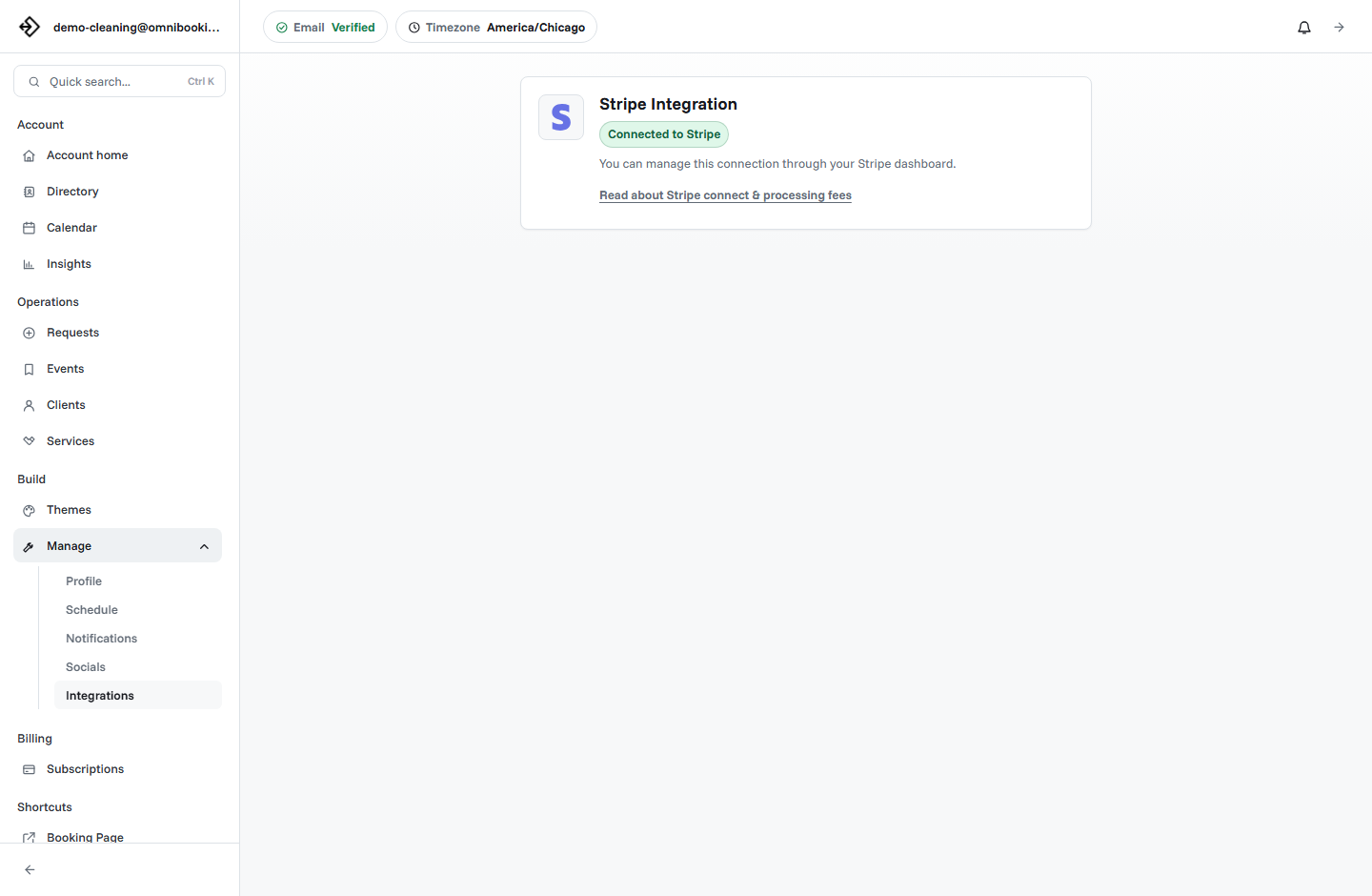
Omnibooking supports paid booking through Stripe Connect for fixed-price services. The Stripe Connect paywalls guide explains how payment setup works.
Example setup for an independent contractor
An independent contractor might start with five services: Repair Estimate, Service Call, Installation Consultation, Project Walkthrough, and Follow-Up Visit. The first four may need client notes and approval. Follow-up visits for known clients can often be booked more directly.
Contractor booking checklist
Use this checklist before sharing a contractor booking link publicly.
- Estimate, service call, consultation, and follow-up services are separate.
- Job descriptions explain what the client is booking and what comes next.
- Address, access, and job notes are collected before confirmation.
- Service area and travel time are accounted for.
- Approval is enabled for uncertain scope or first-time clients.
- Reminders include arrival and access details.
- Payments are enabled only for fixed fees, deposits, or clear service-call prices.
- The booking page is easy to use from a phone.
How Omnibooking helps contractors
Omnibooking gives contractors a hosted booking page, custom service types, availability controls, service area support, booking requests, reminders, calendar files, and paid booking through Stripe Connect. That makes it easier to collect organized requests while keeping control over route planning, estimate timing, and job details.
See Omnibooking for Independent Contractors for the contractor-specific solution page. For broader setup help, use the booking page examples, the booking page guide, or the online booking checklist.
Related resources
Scheduling vs Online Booking
Compare direct booking with request-based scheduling for estimate workflows.
Same-Day Booking Rules
Use short-notice requests carefully when scope, travel, or access needs review.
Prevent Double Booking
Protect estimate windows, job visits, travel time, and pending requests.
Reduce No-Shows With Reminders
Send reminders that include address, access, and visit details.
FAQs
What is the best booking software for contractors?
The best booking software for contractors supports estimate requests, custom service types, job details, service area rules, travel-aware availability, reminders, booking approval, and payments for fixed fees or deposits.
Should contractors allow instant booking?
Instant booking works for repeat clients and fixed service calls. Estimates, installations, first-time clients, and uncertain jobs usually work better as booking requests or consultations.
What should a contractor booking form ask?
Ask for job type, service address, access notes, project summary, urgency, preferred timing, and anything that affects travel, materials, or appointment length.
Should contractors charge before booking?
Charging before booking can make sense for estimate fees, service-call fees, deposits, or fixed-price appointments. Full project pricing should usually wait until scope is reviewed.
How can contractors reduce missed estimate appointments?
Use confirmation emails, reminder emails, calendar files, clear arrival windows, access instructions, and approval workflows for requests that need review.