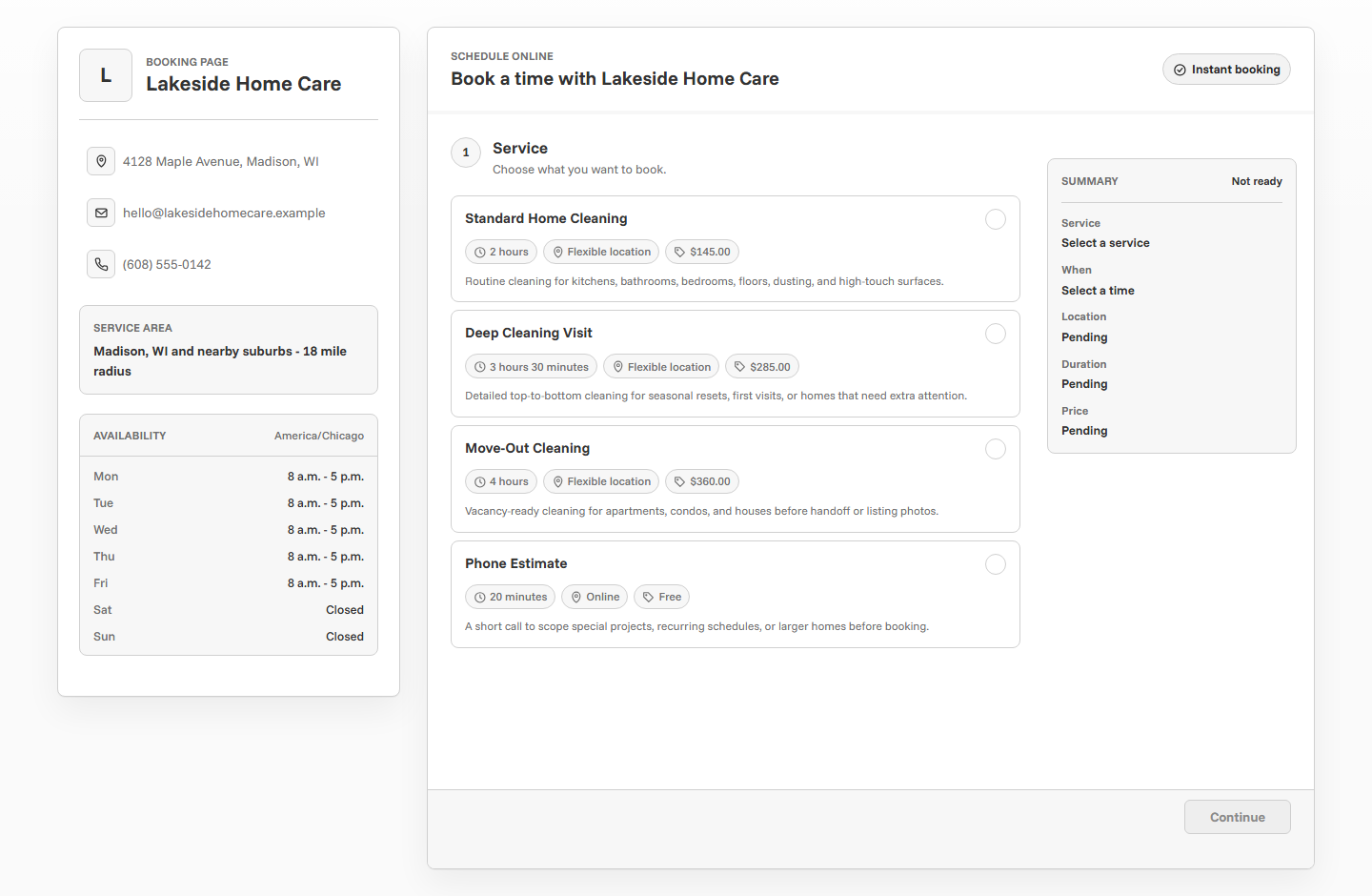
Scheduling software for tutors should make lessons easier to book while keeping students, parents, and instructors aligned. A strong tutoring booking page separates lesson types, test prep, consultations, and recurring sessions; collects student context; protects after-school availability; sends reminders; and makes payment or approval rules clear before the lesson is confirmed.
What tutors need from scheduling software
Tutoring schedules are shaped by school hours, parent availability, student attention, subject complexity, and recurring lesson patterns. A simple calendar link may let someone choose a time, but it often misses the context that makes a tutoring session work.
The right scheduling setup gives families a clear booking path while helping the tutor understand the student before the lesson. It should support different subjects, lesson durations, online or in-person locations, parent communication, reminders, and a clean way to approve or confirm appointments.
Start with lesson types
A tutoring booking page works better when every option has a clear purpose. A first consultation, recurring lesson, test prep session, homework help appointment, and parent check-in may all need different durations and questions.
Separate first lessons from recurring sessions
First lessons usually need more context. The tutor may need to understand grade level, subject, goals, parent concerns, student confidence, online or in-person preference, and whether the family is looking for one-time help or ongoing support.
Recurring sessions should be easier to book. Once the tutor knows the student, the booking flow can be simpler and focus on subject, time, and any notes for that week.
First session
Use more intake questions, parent contact details, and optional approval before confirming.
Recurring lesson
Use a standard duration and fewer questions for families already working with the tutor.
Consultation
Use a short planning call when the parent needs guidance before booking lessons.
Protect after-school availability
Most tutoring demand happens in tight windows: after school, early evening, weekends, and exam-season blocks. If every opening is public, the schedule can fill in ways that are hard to teach well. Strong availability settings keep the booking page realistic.
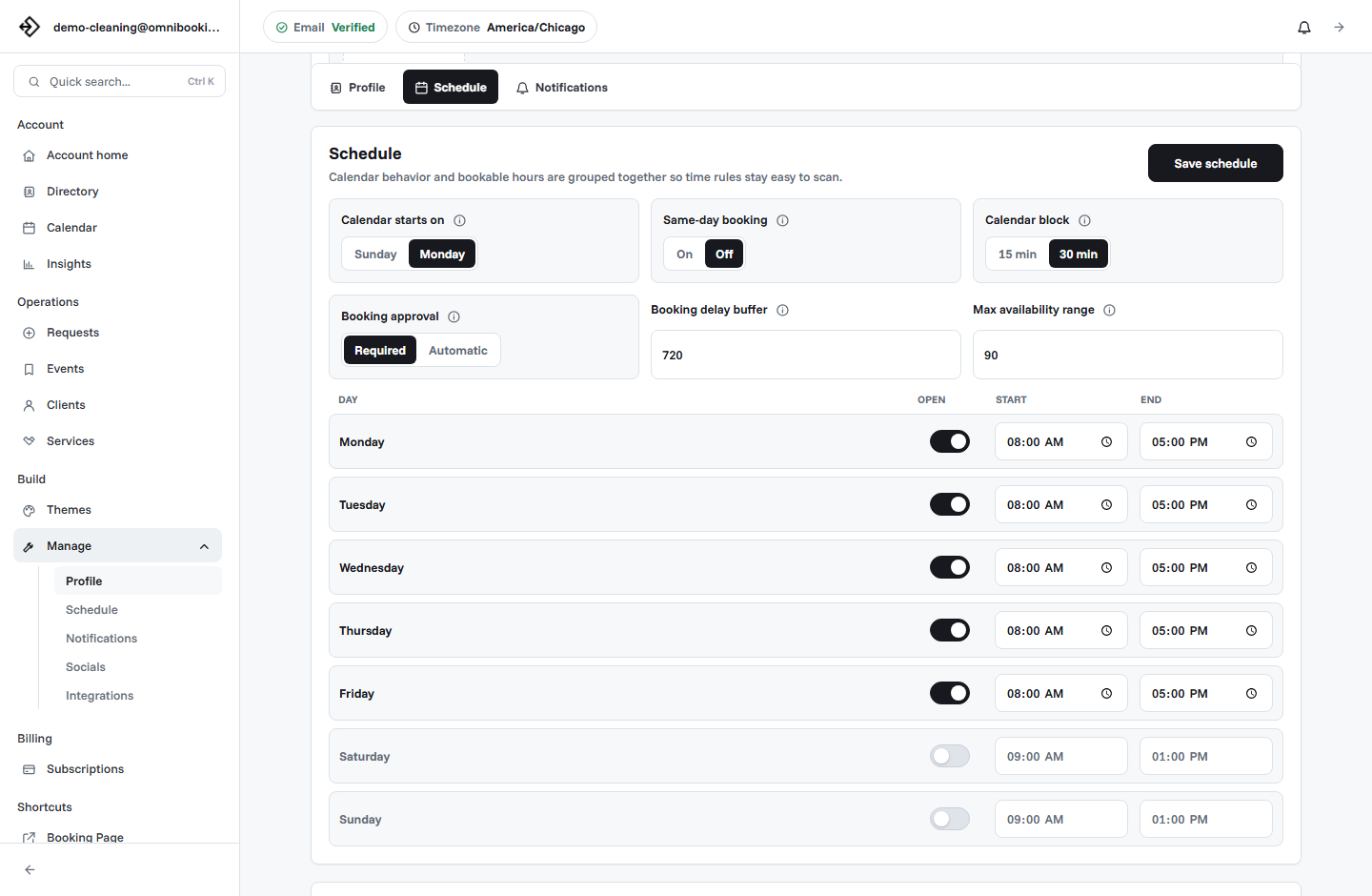
- Open only the days and hours you want students to book.
- Use different durations for consultations, lessons, and test prep.
- Add a booking delay if you need time to prepare materials.
- Limit future booking range if school schedules change often.
- Block breaks between lessons so sessions do not blur together.
- Protect prep time before high-stakes or test prep sessions.
Collect student and parent details
A tutoring booking form should collect the details that help the tutor prepare. It should not become a long intake packet, but it should capture enough information to avoid starting the lesson cold.
- What is the student's grade level?
- Which subject or skill needs support?
- What is the main goal for the session?
- Is this one-time help or ongoing tutoring?
- Is the lesson online or in person?
- Should reminders go to the parent, student, or both?
- Is there an upcoming test, assignment, or deadline?
Use reminders for families, not just students
Reminder emails are especially useful for tutoring because more than one person may be involved. A parent may book the session, a student may attend it, and another adult may handle transportation. Confirmations and reminders should make the date, time, location, and next step clear.
Decide when payments make sense
Payments can be useful for fixed-price tutoring sessions, consultations, test prep blocks, or one-off lessons. They help protect limited after-school availability and reduce no-shows. For larger tutoring packages or monthly plans, the booking page may handle scheduling while payment is managed separately.
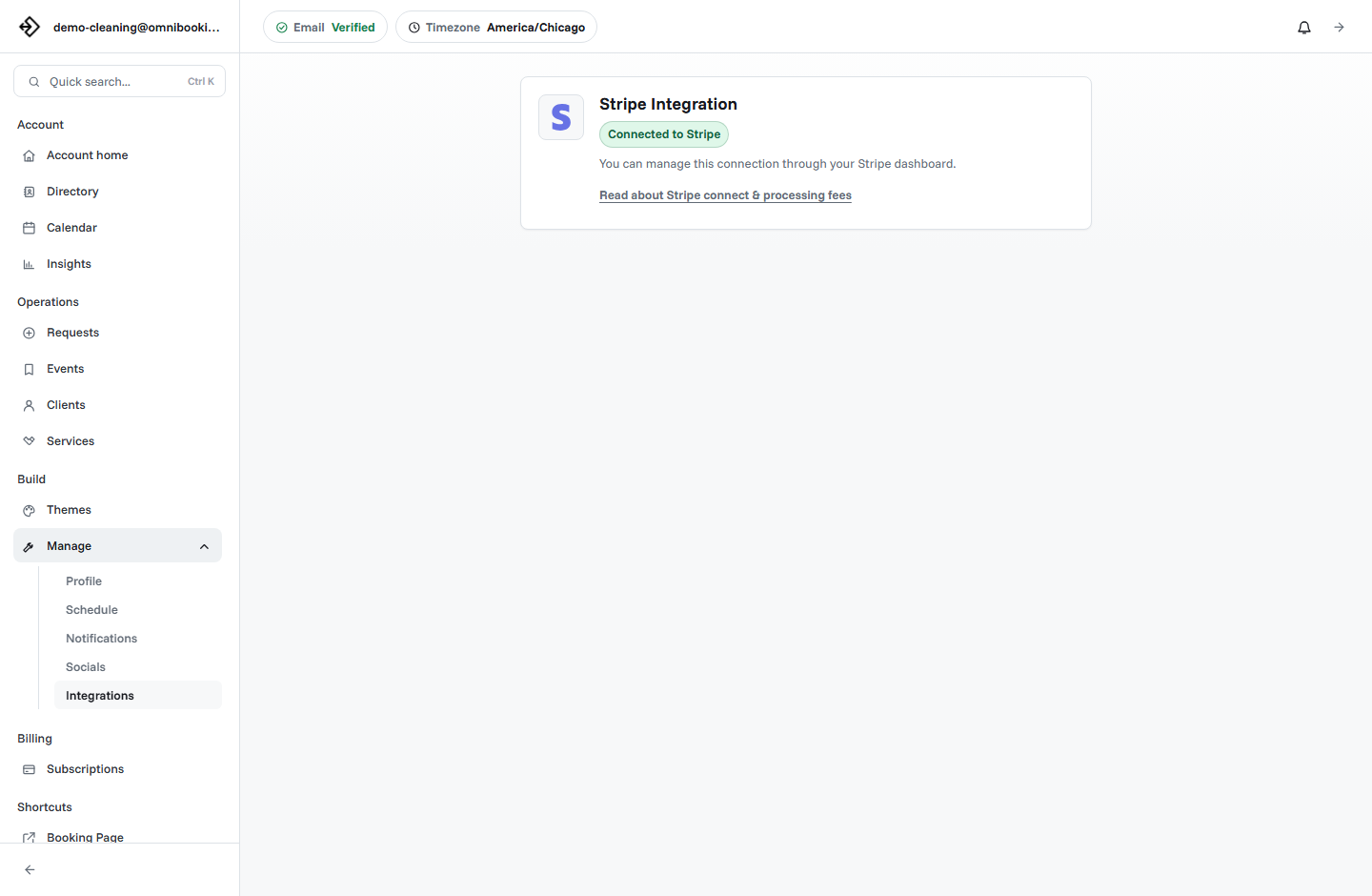
Omnibooking supports paid booking through Stripe Connect for fixed-price services. If you need payment before confirming a lesson, the Stripe Connect paywalls guide explains the setup.
Use approval when student fit matters
Some tutoring appointments should be reviewed before they are confirmed. If a student needs a subject you do not teach, a test date is too close, or the family needs a schedule you cannot support, a request workflow can prevent a poor fit from landing directly on the calendar.
Instant booking
Best for existing students, standard lessons, and fixed-price consultations.
Booking request
Best for first-time students, subject fit questions, or lessons that need review.
Consultation first
Best when a parent needs help choosing between lesson types or ongoing support.
Example setup for an independent tutor
An independent tutor might start with five services: Math Tutoring, Reading Support, Test Prep, Parent Consultation, and Study Skills Session. The first lesson can collect more detail, while recurring students can book with fewer steps.
Tutoring scheduling checklist
Use this checklist before sharing a tutoring booking link with families.
- Lesson names are clear to parents and students.
- Durations fit the subject, student age, and preparation needed.
- First-time students have enough intake questions.
- Availability matches after-school, evening, or weekend teaching blocks.
- Reminders explain location, materials, and who should attend.
- Payments are enabled only for fixed-price sessions or deposits.
- Approval is used when student fit or subject fit needs review.
- The booking page is easy to use on mobile.
How Omnibooking helps tutors
Omnibooking gives tutors a hosted booking page, custom lessons, availability controls, booking requests, reminders, calendar files, and paid booking through Stripe Connect. That makes it easier to schedule lessons while keeping parent communication and student details connected to each appointment.
See Omnibooking for Tutoring and Education Services for the tutoring-specific solution page. For broader setup help, use the booking page examples, the booking page guide, or the online booking checklist.
Related resources
Reduce No-Shows With Reminders
Send reminders that work for students, parents, and lesson prep.
Set Booking Availability
Protect after-school hours, lesson prep, and breaks between students.
Stripe Connect Setup and Fees
Use payment before booking when lessons or consultations should be prepaid.
Booking Page Examples
See how tutoring pages compare with other service booking flows.
FAQs
What is the best scheduling software for tutors?
The best scheduling software for tutors supports custom lesson types, student and parent details, after-school availability, reminders, booking requests, and payments for fixed-price sessions.
Should tutors allow instant booking?
Instant booking works well for existing students and clear lesson types. First-time students, subject-fit questions, or test prep needs may work better as booking requests or consultations.
What should a tutoring booking form ask?
Ask for student grade, subject, goals, parent contact details, online or in-person preference, upcoming deadlines, and any notes that help the tutor prepare.
Should tutors take payment before booking?
Payment before booking can make sense for fixed-price sessions, consultations, test prep appointments, and one-off lessons. Larger packages may use a separate payment workflow.
How can tutors reduce missed lessons?
Use confirmation emails, reminder emails, calendar files, clear cancellation expectations, and parent-friendly communication about lesson time and materials.